Administrative automation for Québec SMBs
Discover what is slowing your business down.
ORKYO analyzes how you operate, identifies your main friction points and helps you start fixing them.
17 questions • About 10 minutes
Read the Business Scan guide14 days free • No card required
- No commitment
- Your software stays in place
- Your own data
Discover ORKYO in 30 seconds

Your business, well orchestrated.
SMB management software
Keep using the software you like.
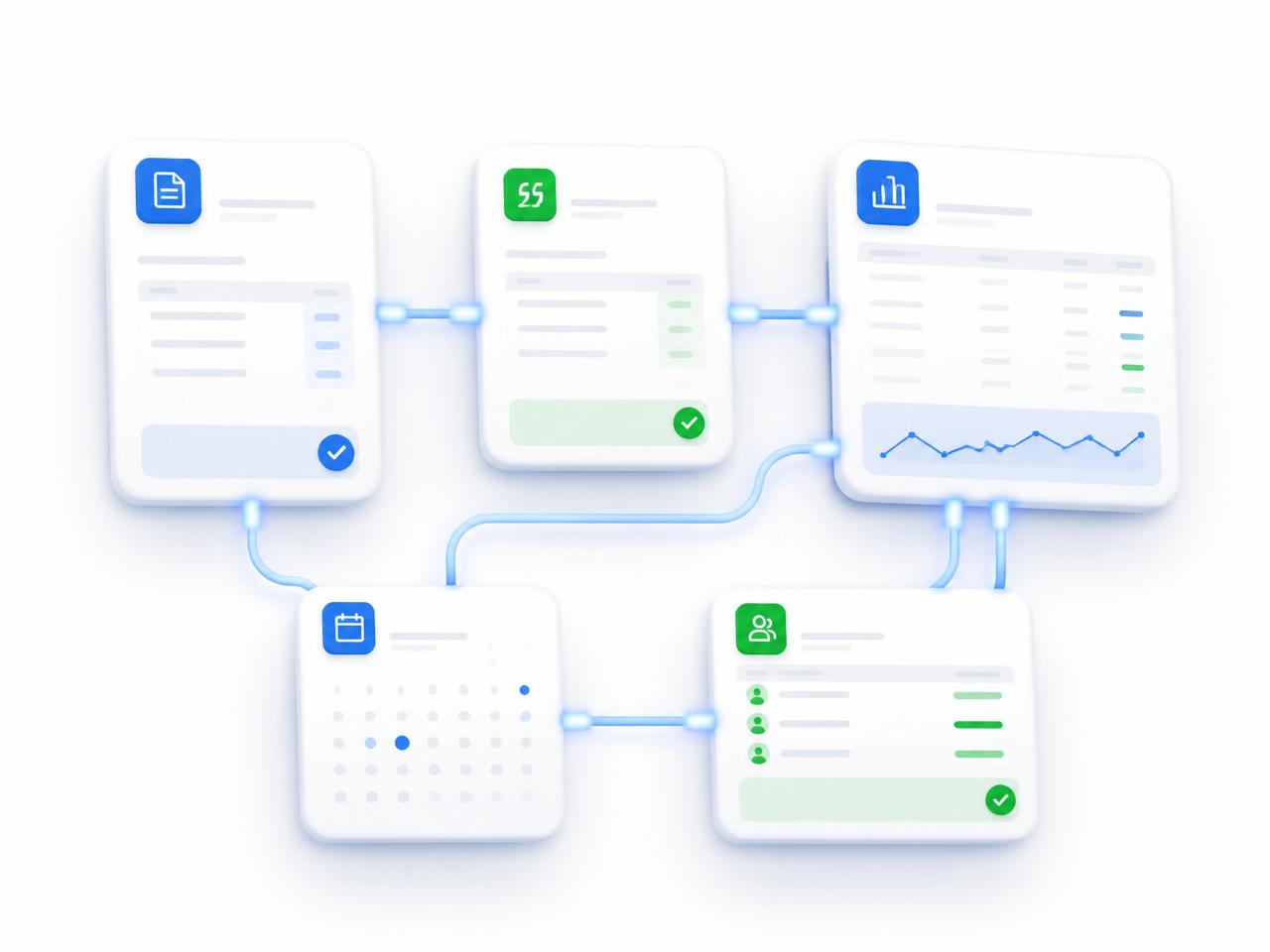
Orkyo finally gets your software working together.
You don't need to replace your software. ORKYO organizes your administrative follow-ups and can work alongside the tools you already use, depending on available connectors and your plan.
- QuickBooks
- Acomba
- Outlook
- Microsoft 365
- Google Workspace
- Nethris
One platform for your administrative follow-ups, alongside your usual tools.
Software commonly used by Québec SMBs. The connectors offered depend on available integrations, your plan and the setup carried out with you.

Less paperwork
You didn't start your business to do paperwork.
Martin didn't start his business to spend his evenings moving information between his software tools.
Yet he has become the link between his quotes, invoices, accounting, payroll and customers.
Every day feels like one fire after another.
He works extremely hard. But he feels he is no longer running his business. He is simply keeping it afloat.
Administrative automation
Your software finally works together.
Orkyo becomes the conductor of your administration.
Information flows automatically. Repetitive tasks disappear.
You keep your software. You save time. You finally regain control.
How it works
From your diagnostic to your first improvement, in seven steps.
Describe → Diagnose → Detect → Validate → Prioritize → Act → Measure.
1. Describe
Answer a few questions about how your business operates.
2. Diagnose
ORKYO analyzes your answers and the information you agree to provide.
3. Detect
ORKYO identifies the processes that seem to cost you time or control.
4. Validate
Confirm or correct the findings that truly apply to your business.
5. Prioritize
Choose 1 to 3 priorities you want to tackle first.
6. Act
Use the relevant ORKYO features for the priorities you selected.
7. Measure
Track progress and decide what comes next with full knowledge.
A continuous administrative flow
- Customer
- Quote
- Invoice
- Accounting
- Payroll
Automation plan · AI
One repetitive workflow. Clear priorities.
Describe your current workflow and what makes your business unique.
14-day free trial
14 days to see what ORKYO can do for your business.
Not just a demo.
During your trial, ORKYO can help you handle a first priority based on the information you choose to provide.
Creating your account opens the ORKYO app. No credit card is required to start; activating the trial remains an explicit choice in the app.
During your trial, you can
- Centralize your customers
- Identify quotes to follow up
- Spot pending invoices
- Organize your tasks and deadlines
- Identify your operational priorities
- Get your ORKYO summary
Saving time in SMBs
What you gain in the first few weeks.
Less paperwork
Less double entry
Fewer things forgotten
More time for your customers
More time for your family
Better control of your business
Your software stays in place
No added complexity
Your expertise first
ORKYO doesn't claim to know your business better than you do.
It analyzes your answers, presents its findings and asks you to validate them before suggesting priorities.
You decide
After 14 days, you decide.
If ORKYO brings you value, choose the plan that fits your business.
Otherwise, you are under no obligation to continue.
ORKYO START
CA$149 / month
Up to 2 users, meaning up to 2 people who each have their own access
See detailsPlans
One SMB administrative software, three plans.
Start with a single process, then automate at your own pace.
Free trial: The 14-day free trial gives temporary access to ELITE features. It does not select any paid plan and no payment is made. You will explicitly choose START, PRO or ELITE to continue after the trial.
User: A user is a person with their own ORKYO access. This is not a device or computer limit.
ORKYO START
CA$149 / month
Up to 2 users, meaning up to 2 people who each have their own access
Expect to exceed this limit? Contact an ORKYO advisor to assess the appropriate plan or arrangement.
A first level of administrative organization. Suited to small teams, for a single business.
- Tracking of a first administrative flowFor example: a quote tracked through to the matching invoice.
- Follow-up reminders to handleA list of follow-ups that require action from you.
- Simplified dashboardA view of the business's main administrative items.
- Accounting connectorsConnection to certain accounting tools when the matching connector is available, compatible with your setup and activated with your authorization.
- Standard supportHelp with everyday questions about using ORKYO.
ORKYO PRO
CA$399 / month
Up to 10 users
Expect to exceed this limit? Contact an ORKYO advisor to assess the appropriate plan or arrangement.
Suited to growing teams handling several files in parallel.
- Tracking of the main administrative flowsCustomers, quotes, invoices, payments and tasks tracked in one place, rather than a single flow.
- Accounting, payroll and calendar compatibilityExchanges with these tools only when the matching connector is available, compatible and activated with your authorization.
- Industry connectorsDepending on the connectors actually available: accounting software, payroll solution, calendar, point-of-sale tool, form or other compatible business tool. Technical validation is required before any activation.
- Operational dashboardA view of open files, follow-ups to do and overdue items for the whole team.
- Personalized onboarding supportSupport to configure ORKYO around the way you work when you get started.
ORKYO ELITE
CA$1,299 / month
Up to 50 users
Expect to exceed this limit? Contact an ORKYO advisor to assess the appropriate plan or arrangement.
Suited to businesses with several locations and several teams.
- Full review of administrative processesA structured analysis of how the business handles customers, quotes, invoices, payments, tasks, documents, communications and follow-ups, to spot double entry, handoff breaks and room for improvement.
- Custom setupThe ORKYO team configures steps, roles and follow-ups with you based on how your locations and teams are organized.
- Specific integrations assessed case by caseEach tool you use is assessed separately; an integration is only proposed after technical validation of its feasibility.
- Monthly support with a dedicated advisorA monthly meeting with the same advisor to review your priorities and the adjustments to plan.
- Priority supportYour support requests are handled first.
Monthly prices in Canadian dollars, applicable taxes extra where required. Final terms are presented before any paid commitment. Available connectors depend on your plan and the setup carried out with you.
Unsure between two plans? Spend 30 minutes with an Orkyo advisor to choose the right one.
How a tool gets connected to ORKYO
- Identify the tool the business uses.
- Check that a connector exists and is compatible.
- Define the data and actions that are authorized.
- Connect the tool with the customer's authorization.
- Run a test without real data whenever possible.
- Validate field mapping and the result.
- Activate the connection.
- Monitor errors and allow the connection to be turned off.
Examples of tools to assess:
- Acomba or QuickBooks for accounting
- Nethris for payroll
- Calendar
- Point of sale
- Email or forms
- Other business tools the company uses
Mentioning a tool is an example for assessment, not confirmation that an ORKYO connector is currently available.
Picture your daily life in 30 days
Orkyo doesn't just change your administration. It gives you back time to live.
Before Orkyo


After Orkyo


Take back control of your time.
Every week, SMB owners lose several hours moving information between their quotes, invoices, accounting, payroll and various software tools.
Answer 17 questions: ORKYO analyzes your answers and highlights the administrative activities that seem to cost you the most time.
- A clear picture of your administrative organization
- Findings that you validate or correct
- Up to three improvement priorities chosen by you
- No purchase obligation
A few well-chosen improvements can help you spend more time on your customers and operations. Estimates depend on the data entered.
- Picture based on your answers
- No commitment
- About 10 minutes
- Your software stays in place
Speak with an advisor
Talk with an Orkyo advisor.
In 30 minutes, an Orkyo advisor reviews your administration and identifies your main automation opportunities.
- Flow mapping
- Detection of double entry
- Personalized recommendations
- No commitment
Jean Marie Messé
Advisory call · 30 min · video conference
Cal.com is the external service used to book a meeting with an ORKYO advisor. The calendar is only loaded after you allow it. Some information needed for the booking will then be sent to Cal.com in accordance with its privacy policy.
FAQ
Frequently asked questions before you start.
This FAQ answers questions asked before signing up: diagnostic, trial, plans, general security, appointments and access to ORKYO. No account is needed to read it.
The Business Scan has 17 questions and takes about 10 minutes. It presents an overall maturity score, scores by dimension and findings you validate or correct, then lets you select 0 to 3 priorities.
No. ORKYO organizes your administrative follow-ups (customers, quotes, invoices, payments, tasks and documents) alongside your current software. Exchanges with accounting software depend on available connectors and your plan.
These tools are commonly used by Québec SMBs. The availability of a connector, compatibility or custom setup is confirmed case by case with an ORKYO advisor: we don't announce integrations that aren't actually enabled.
Yes, it's actually recommended. The Business Scan helps you choose up to three priorities, and the ORKYO START plan is suited to starting with a first administrative flow.
START includes up to 2 users. If your team grows to 3 or more users, the current setup calls for moving to PRO. Contact an ORKYO advisor to assess the right plan for your team.
After your Business Scan, you can create an account in the ORKYO app. The 14-day trial is activated explicitly in the app, no card is required to start, and moving to a paid plan requires your explicit choice.
ORKYO applies measures to protect access and communications. You remain the owner of the data you enter, subject to the applicable terms. See the Privacy Policy to learn what information is collected, how it is used and retained, and your rights.
Already using ORKYO? The app's Help Center explains how to use the modules and their features. It is reserved for signed-in users: you will be asked to log in to your ORKYO account.
Visit the Help Center in the ORKYO app (login required, opens the ORKYO app in a new tab)Contact us
We're here to listen.
Want to know how Orkyo can simplify your business administration? Contact us or talk with an Orkyo advisor.
Talk with Orkyo
Book a 30-minute video call with an Orkyo advisor: it's the easiest way to reach us.
The information you send us is handled in accordance with our privacy policy.